
What Is AI Content Operations?
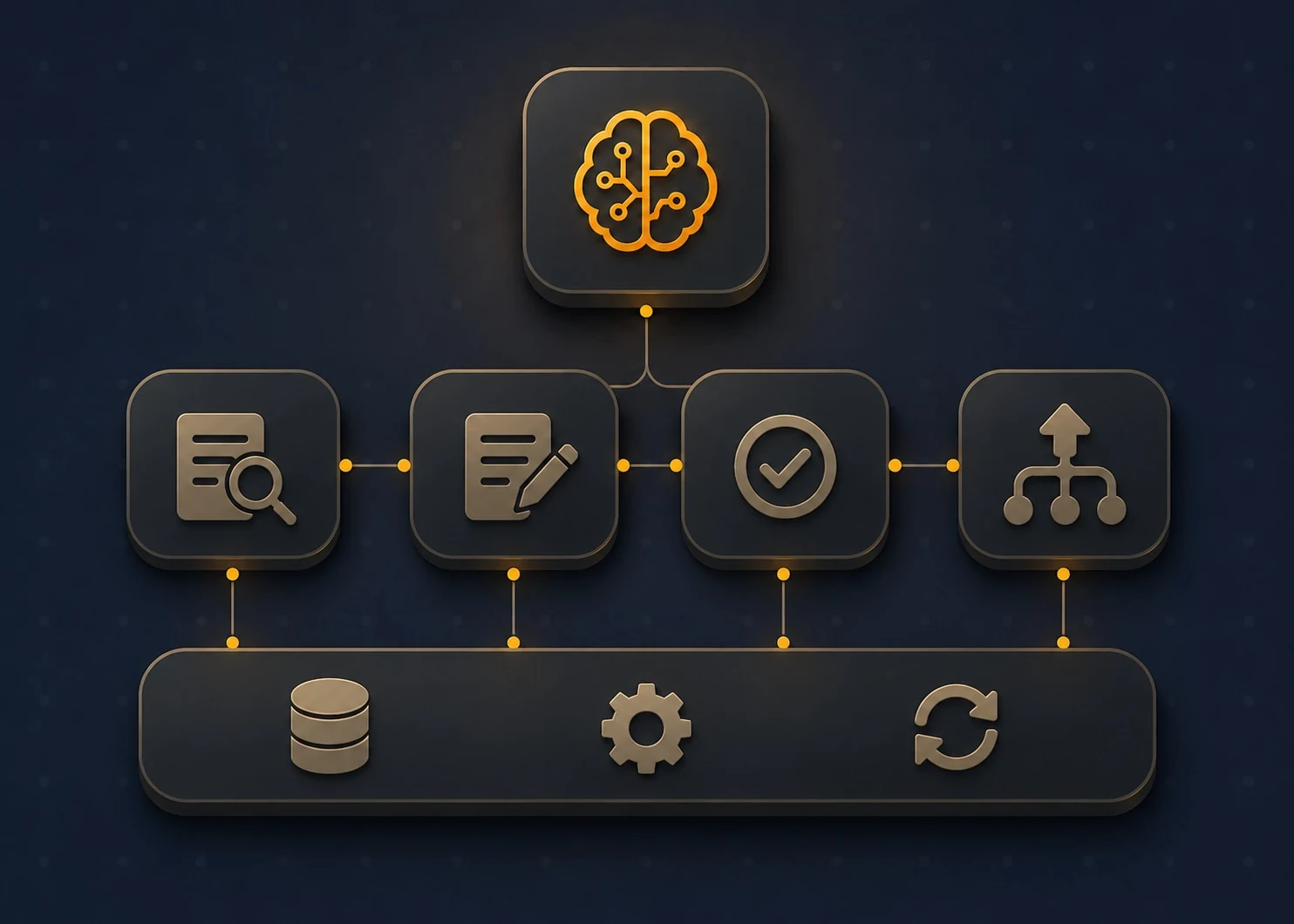
AI content operations uses AI agents and connected tools to run content planning, production, review, publishing, and reporting as one workflow. People can assign different tasks to agents while still reviewing the output and making key decisions.
AI Content Operations vs. Traditional Content Workflows
The main difference is who moves the work: in a traditional workflow, people carry every file, request, and update from one tool to the next, while in AI content operations the agents hand tasks forward themselves.
How Does End-to-End AI Content Workflow Automation Work?
Think of the process as a relay. A research agent reads search data and proposes a topic. Once a strategist approves it, a brief agent builds the outline and a drafting agent writes from it. Every output becomes the next task's input, and a defined condition, like an editor's sign-off, decides when the baton moves.
The orchestration layer keeps that relay from turning into chaos. It tracks where each article sits, assigns the next task, passes along files and context, and pauses when a person needs to decide something. Without it, agents are separate tools that happen to share a model; with it, they work more like a production line with a memory. Every handoff gets logged, so an editor can see who or what changed a draft.
The chart below follows a single article through the process, including the point where performance data loops back to the start.
↓
Strategy and topic planning (agent proposes, strategist approves)
↓
Research and brief creation (agent drafts, editor approves brief)
↓
Drafting (agent writes from brief, brand guide, knowledge base)
↓
Editing and quality checks (agent flags claims, terms, SEO elements)
↓
Editorial review and approval (editor and subject expert sign off)
↓
Publishing through CMS (agent prepares entry, human approves release)
↓
Distribution and repurposing (agent adapts, marketer approves)
↓
Performance tracking (Search Console and analytics data)
└──────► back to topic planning as update tasks
Orchestration layer: assigns tasks, passes context, manages approvals, and logs handoffs
Which Stages of Content Operations Can AI Automate?
AI can handle parts of the content process across eight stages, from topic planning to performance tracking. Some tasks are easier to automate because they follow clear rules, while others still need human review and decision-making.
1. Content Strategy and Topic Planning
Most teams already have plenty of information to work with, including search queries, audience research, and their existing content library. An agent can compare these sources and spot gaps. A page might rank for a query it barely covers, two articles might target the same term, or a topic might have strong demand but no dedicated article.
The strategist still decides which gaps are worth pursuing. Once topics are approved, the agent can group them into clusters, suggest pillar and supporting articles, and add proposed dates to the editorial calendar. If a product launch moves, an editor can adjust the schedule and update the related articles.
2. Research and Content Brief Creation
Research agents can work from a defined set of sources, such as product documentation, internal wikis, analyst reports, interview transcripts, and selected external sites. Keeping that list controlled matters because open web searches can surface outdated or unreliable material. The agent can also review the pages currently ranking for the target query to understand what the searcher expects, such as a definition, comparison, or walkthrough.
The resulting brief can include proposed headings, the question each section should answer, the target reader, keywords, and sources. An editor reviews the brief before drafting starts. If the brief misses the point, the draft usually will too.
3. Content Drafting and Creation
Once a brief is approved, a drafting agent can produce a first version using the brand voice guide, previous articles, product documentation, and reference files. These sources give the model the terminology and context it needs to write accurately about the company.
They cannot replace firsthand knowledge, though. A customer story, an engineering trade-off, or the reason behind a pricing decision may need input from someone on the team. Subject experts can add that information during review or through interview notes.
Business details also need a reliable source. Plan limits, release dates, and product information should come from the team's knowledge base rather than the model's memory.
4. Content Editing and Quality Checks
Editing agents can handle many of the checks that happen during an editor's first pass. They can flag unsupported claims, inconsistent terminology, readability issues, and content that does not match the brand's style.
The same pass can cover basic on-page SEO, including title length, heading structure, links, alt text, and meta descriptions. Google's guidance on generative AI content also stresses accuracy, quality, and relevance. It warns that producing large amounts of content without adding value can violate its spam policies.
5. Editorial Review and Approval
Once the automated checks are complete, the workflow can send the draft to the right reviewer with the brief and flagged issues attached. The routing depends on the type of content. A product article might go to a product manager, while content that includes legal claims may need a compliance review.
The system can send an approval request once the required checks are complete. Comments, tracked changes, and version history stay with the article, so reviewers can see what changed since the previous pass.
6. Content Publishing and CMS Management
A publishing agent can prepare the CMS entry with the title tag, meta description, URL slug, author, images, alt text, and internal links. It can also check settings such as formatting, canonical tags, category, scheduling, and indexing instructions before publication.
Many CMS platforms provide APIs that allow software to create or update entries directly. Even so, a human usually approves the final version before it goes live.
7. Content Distribution and Repurposing
An approved article can become the source for other content. An agent can turn its main points into social posts, an email summary, or a newsletter section that links back to the original.
The format can change for each channel without changing the underlying claims. A review agent can compare the new version with the published article and flag claims, figures, or quotes that do not appear in the source. A marketer then reviews the final copy before scheduling it.
8. Content Performance Tracking and Updates
Agents connected to Google Search Console and analytics tools can monitor impressions, clicks, rankings, and conversions for individual pages. They can flag pages that have lost traffic over time or no longer match the current product.
The next step depends on what the data shows. A page might need a new section for a query it has started ranking for, an updated statistic, or a different introduction. Those updates can then return to the planning stage as new content tasks.
What Technologies Power AI Content Operations?
AI content operations usually rely on several connected technologies. The core pieces are the language model, AI agents, workflow orchestration, a knowledge base, a CMS, integrations, and analytics.
AI Agents and Workflow Orchestration
A large language model can generate and edit text, but it does not know where an article is in the workflow or what should happen next. An AI agent adds that missing structure by giving the model a specific task, instructions, and access to the tools it needs. One agent might check claims against approved sources, while another prepares a content brief.
The orchestration layer manages what happens between those tasks. It sends work to the next agent, passes along the relevant context, and waits for approval when a person needs to review the result. Teams can build these workflows with low-code tools or dedicated agent platforms, depending on how much control the process requires.
Knowledge Bases and Content Management Systems
The knowledge base gives agents access to the information they should use when creating content. This might include brand guidelines, product documentation, approved claims, customer stories, and previous articles. Without those sources, the model has to rely more heavily on its general training and may fill missing information with incorrect details.
The CMS handles the content itself. It stores drafts and published pages and holds the templates, categories, and metadata that publishing workflows use.
Integrations, APIs, and Analytics
APIs and connectors allow the different tools to share information. Search Console data can reach the planning workflow, a CMS API can receive a completed article, and an email or Slack connection can send a review request to the right person.
Analytics then shows what happens after publication. Traffic, clicks, rankings, and conversions can help the team decide which pages need attention and which topics should move higher or lower in the content plan.
How to Build an Automated AI Content Operations Workflow
Six steps can take a team from a manual content process to a more automated workflow: map the current process, pick the tasks that make sense to automate, connect the right tools and sources, define what each agent is responsible for, add human review, and test the workflow on a small scale. Starting with the existing process matters because automation does not fix a workflow that is already messy. Testing matters for the same reason. Small problems are much easier to catch before they start affecting published content.
Step 1. Map Your Existing Content Workflow
Write down what happens to an article from the first idea to publication. Include who works on it, which tools they use, and where the work tends to slow down. A simple spreadsheet is enough to capture this.
The delays between tasks can show where automation would have the most effect.
Step 2. Choose Tasks Suitable for Automation
Look at each task based on how predictable it is and what could happen when it goes wrong. Keyword clustering, metadata drafts, internal link suggestions, and recurring reports are good candidates because they follow clear patterns.
Tasks that depend on expert judgment, such as final fact-checking or publication decisions, should stay with people.
Step 3. Connect Your Tools and Content Sources
Give each agent access to the systems it needs, rather than connecting it to everything the team uses. This might include Search Console and analytics data, approved reference materials, the brand guide, and a CMS account that can create drafts but cannot publish them.
Clean up the source material before connecting it. Outdated product documentation can lead to outdated information in new drafts.
Step 4. Define AI Agent Roles and Workflow Rules
Each agent should have a clear responsibility. Define what information it receives, what it needs to produce, which sources it can use, and what it is not allowed to do. For example, an agent can draft an article but should not publish it or add an unsupported statistic.
The workflow also needs rules for assigning content to reviewers and handling problems an agent cannot resolve.
Step 5. Add Review and Approval Checkpoints
Decide where human review is needed and what the reviewer should check at each point. This could include the brief, the draft, or the final content before publication.
The reviewer also needs to know what happens after approval.
Step 6. Test the Workflow Before Expanding It
Start with a small batch of low-risk articles, such as five posts from one topic cluster. Compare them with manually produced content by looking at error rates, editing time, and reviewer feedback. Fix the parts of the workflow that cause problems before adding more content.
What Should Remain Under Human Control in AI Content Operations?
Six responsibilities stay with people in AI content operations: content accuracy, editorial quality, brand guidelines, publishing approvals, access controls and audit logs, and risk management. Agents can prepare, check, and route work around each of these, but a named person owns the final call.
Content Accuracy
Language models produce confident errors, and agents inherit that tendency. McKinsey's 2025 global survey found that 51 percent of respondents had experienced at least one negative consequence from AI use, and inaccuracy was the most common, reported by 30 percent. The survey covers AI use in general rather than content teams specifically, but the pattern applies to any workflow that publishes machine-written claims.
A human fact-checker verifies each statistic, product claim, and quote against the original source before an article moves forward. Agents can flag unsupported claims, but they cannot judge a source's credibility or notice that a figure was true last year and is wrong now.
Editorial Quality
Automated checks catch rule violations. They cannot tell that two sections repeat each other, that an example is generic, or that the argument never reaches a point. Editors make those calls, and they cut or rewrite material that adds length without adding information.
Brand Guidelines
Agents apply a style guide's rules, while people decide what the guide says and when an exception makes sense. Voice, positioning, the claims the company will and will not make, and how it refers to competitors come from marketing leadership and legal. When the company changes direction, a person updates the guidelines in the knowledge base first, and the agents follow.
Publishing Approvals
A named editor approves every article before it reaches the CMS publish state. Agents can prepare the page, run pre-publication checks, and queue the post, but the final action requires a sign-off recorded in the workflow. The same rule covers updates to live pages, since an agent-recommended refresh can introduce the same errors as a new draft.
Access Controls & Audit Logs
People decide what each agent can read, write, and publish. A drafting agent needs the knowledge base but not publishing credentials, and a monitoring agent needs read access to analytics and nothing else. Audit logs record which agent or person changed a draft, which sources an agent used, and who approved the result, so a team can trace a factual error back to where it started. Someone on the team reviews those logs on a regular schedule.
Risk Management
Content teams carry risks that agents cannot assess for themselves: copyright exposure from reused material, regulated claims in industries like finance and healthcare, disclosure rules, and the reputational cost of a public error. A person decides which topics need legal review, which are off-limits to automation, and what happens after something incorrect goes live, including who corrects it and how quickly.
Example of an End-to-End AI Content Operations Workflow
Consider a hypothetical SaaS company with 40 employees that sells project management software to construction firms. Its three-person content team publishes eight articles a month and wants to cut the days articles spend waiting between stages. The table follows one article from research to monitoring.
Common Challenges When Automating Content Operations
Automating a process that already has problems
A workflow with unclear ownership or inconsistent briefs produces the same confusion faster once agents join it. Teams that map and repair the manual process first start from firmer ground.
Weak source material
Agents repeat whatever the knowledge base contains, including outdated pricing pages, retired product names, and contradictory brand documents. Someone has to own the upkeep of that material, and that job rarely appears in anyone's role description.
Review criteria that stay vague
When a checkpoint says only "review the draft," editors apply different standards and the agent's flags get ignored. Written criteria for each reviewer, tied to specific checks, keep approvals meaningful.
Unclear business value and rising costs
Gartner predicts that over 40 percent of agentic AI projects will be canceled by the end of 2027, citing escalating costs, unclear business value, and inadequate risk controls. A content team avoids that outcome by tying the workflow to a measurable result, such as days from brief to publish or revisions per article.
Fragile connections between tools
An API change, an expired token, or a renamed CMS field can break a handoff without anyone noticing until an article stalls. Monitoring the connectors and alerting a named owner when a handoff fails prevents silent gaps.
Generic, interchangeable output
Drafts built only from public information read like everyone else's. The fix is feeding agents original material, such as customer interviews, internal data, and expert commentary, and holding editors to a standard that rejects filler.
Final Thoughts on AI Content Operations
AI content operations pay off when the process underneath is sound: a mapped workflow, clean source material, clear agent roles, and people who own accuracy and approvals. Tools matter less than those foundations, and teams with weak foundations tend to produce more content with the same problems.
A practical start is one low-risk task, such as drafting metadata or pulling reports, measured against the manual version for editing time and error rate. Each stage added after that rests on evidence from the one before it, and the workflow grows only as fast as the team's confidence in its checkpoints.
Frequently Asked Questions About AI Content Operations
Can AI automate the entire content creation process?
AI can automate much of the repeatable work, from topic research and brief creation to metadata, routing, and reporting. Tasks that depend on fact-checking, editorial judgment, or final approval still need a person. A fully automated workflow can introduce accuracy and brand risks that human review is meant to catch.
What is the difference between AI content creation and AI content operations?
AI content creation focuses on producing content with a generative model, such as text, images, or video. AI content operations cover everything around that work, including planning, research, review, publishing, distribution, and performance tracking. The main difference is that content operations connects these stages into one workflow.
Can small businesses use AI content operations?
Yes. Small teams can start with a few existing tools, such as a keyword platform, a writing assistant, a shared set of brand notes, and a CMS connected through a no-code workflow tool.
One person can still handle editing and approval while the system takes care of a single repeatable task. Metadata and newsletter drafts are practical places to start before automating more of the process.
How do AI agents manage content workflows?
Each agent is assigned a specific task, while an orchestration layer controls what happens next. It can pass the result to another agent, wait for an approval, or stop the workflow when something needs human attention.
What is the difference between AI workflow automation and agentic content operations?
AI workflow automation follows a sequence that has been defined in advance. AI handles specific steps within that process, such as summarizing information or classifying content.
Agentic content operations give agents more freedom to decide how they complete a task within defined limits. An agent might choose which approved sources to review or identify which part of a page needs an update.
Can AI content operations work with an existing CMS?
Often, yes. A CMS with an API or connector can accept drafts, metadata, and page updates without requiring the team to switch platforms.
A CMS without an API can still fit into the workflow, with a person handling the final publishing step.
How do you maintain content quality when using AI automation?
Content quality depends on the sources and rules agents work from, along with human review at the right points. Teams can also track error rates and the amount of editing each article needs.
When those numbers start to change, the team can review the sources, workflow rules, or review process and make adjustments.