
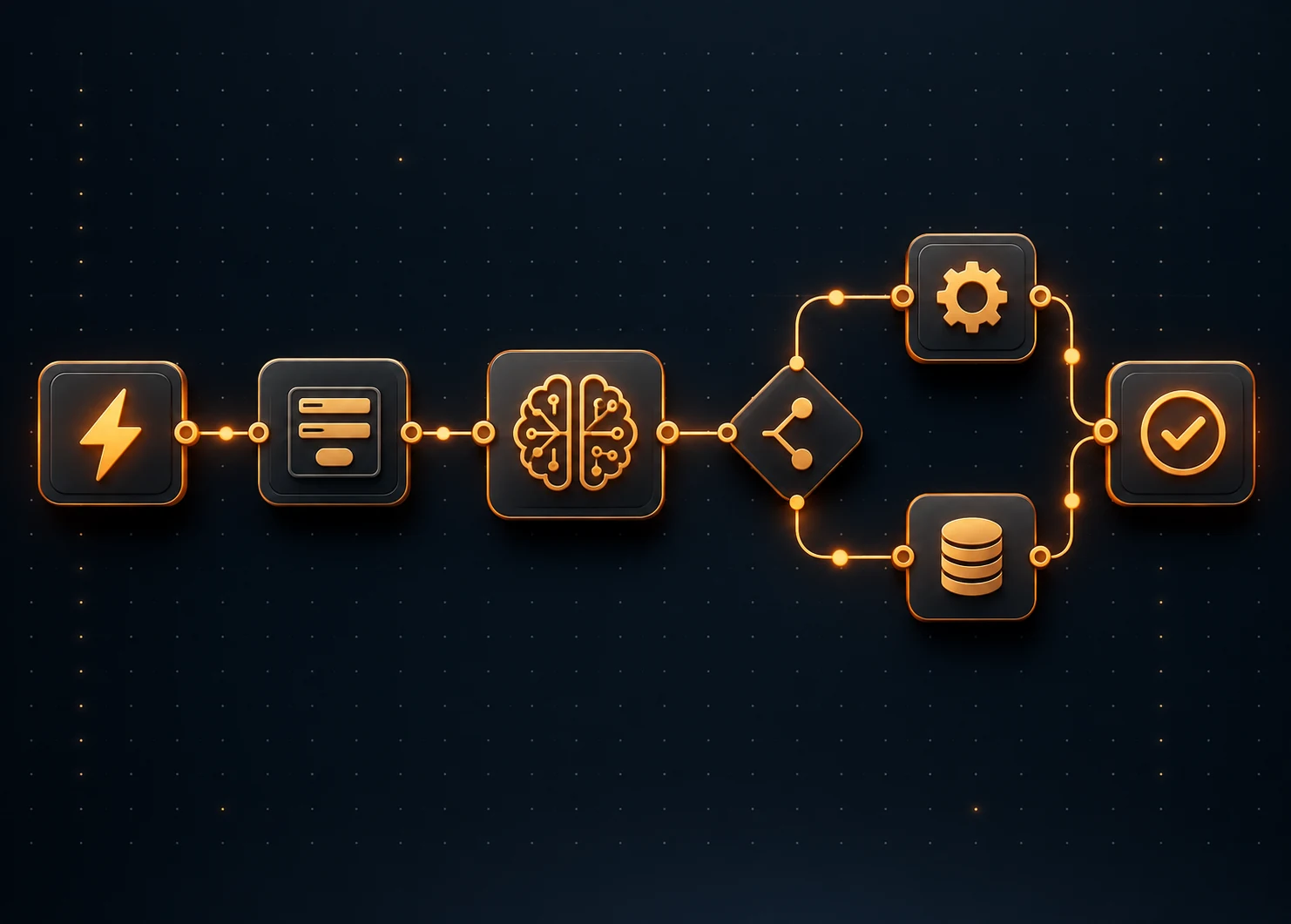
As a result, automation gets within reach of marketing, sales, support, finance, and operations teams. It also makes it easy to automate the wrong thing, or to give an AI step more freedom than it should have.
Key takeaways
- No-code AI automation uses visual builders, AI models, and business app connectors - no coding needed.
- AI handles interpretation and content generation; business rules control what happens next.
- Best for repetitive processes with clear inputs, outputs, and defined rules.
- Human approval is required for customer-facing, financial, and high-impact actions.
- Start with one process, test it thoroughly, then expand gradually.
What Is No-Code AI Workflow Automation?
No-code AI workflow automation is the use of visual builders and AI models to run business processes without writing code or scripts. You design the process on a canvas by placing steps, connecting them, and choosing what each step should do. The result is a set of automated workflows that can handle text, documents, and judgment calls that fixed rules alone often struggle with.
These platforms combine three things: a visual workflow builder, AI models, and the business applications a company already uses. The builder sets the step order. The AI models handle tasks that need interpretation, while the connected applications supply the data and receive the results.
How No-Code AI Workflow Automation Works
The typical workflow proceeds in this order:
→
Data
→
AI Decision
→
Action
→
Review
→
Output
No-Code AI Automation vs Traditional Automation
Traditional business process automation makes use of fixed if-then rules, and this approach works just fine when the input is structured and predictable. It struggles when the input is a free-text email, or a vague request. No-code AI automation includes an extra step that is able to interpret that disordered input, even though the rules still determine what happens next.
No-Code AI Workflows vs AI Agents
A no-code AI workflow proceeds along a route that you set beforehand, with the AI carrying out the particular steps within it. An AI agent gets more flexibility in planning its own steps and in selecting tools.
Where No-Code AI Workflow Automation Works Best
Not every process needs AI, and some are better served by a simple rule-based automation.
Marketing Workflows
- Content briefs from keywords
- Lead enrichment
- Campaign summaries
- Social content review
- SEO reporting
Sales Workflows
- Lead qualification
- CRM field updates
- Call note summaries
- Follow-up email drafts
- Opportunity routing
Customer Support
- Ticket classification
- Response suggestions
- Sentiment detection
- Escalation rules
- Knowledge-base search
Finance & Operations
- Invoice field extraction
- Expense classification
- Approval routing
- Report summaries
- Data checks
HR & Internal Ops
- Candidate screening
- Employee requests
- Policy Q&A
- Onboarding task assignment
- Internal notifications
How to Implement No-Code AI Workflow Automation: 14 Steps
These steps follow the order in which a real project usually unfolds. Each one builds on the step before it, and skipping ahead tends to create problems later.
Choose the Workflow You Want to Automate
Pick one process that is repetitive, happens often, and has clear inputs and outputs. A good first candidate is something your team already finds tedious, such as sorting inbound requests or entering data from documents. Avoid starting with a process that is high-risk or poorly understood.
Map Every Step in the Existing Workflow
Write down what happens today, from the first trigger to the final outcome, including who does each task and which tools they use. Mapping it this way often reveals duplicate steps and unclear handoffs that are worth fixing before any automation is built.
Separate Rule-Based Steps From AI Steps
AI should not handle every action in a workflow. Steps with a clear trigger, structured data, or a defined outcome usually work better as fixed rules. Save AI for steps that need interpretation or content generation.
Choose a No-Code AI Workflow Platform
Look for a platform that connects to the applications you use, supports the AI models you need, and offers access controls, activity logs, and approval steps. Also consider how easily non-technical colleagues can read and maintain a workflow.
Connect Your Business Applications
Connect only the applications the workflow actually needs. Use a dedicated service account or restricted credentials, and grant the minimum permissions required. Test each connection on its own before adding it to the workflow.
Configure the Workflow Trigger
The trigger decides when the workflow runs, so define it precisely. A new CRM lead, an incoming email, and a submitted form are typical examples. Add filters so only the right items start the workflow.
Add the AI Step
Add the AI step where the workflow needs interpretation or content generation, and give it a narrow, specific job. Write a clear prompt that states the task, the data it will receive, the rules it should follow, and the format of the answer.
Control the AI Output Format
Free-form text is hard for the next step to use. Ask the AI to return structured output: JSON, categories from a fixed list, scores on a defined scale, yes/no decisions, or fixed fields. If the output does not match the expected format, treat that as an error.
Add Business Rules Around the AI
AI decisions should often sit inside fixed rules that turn the AI output into a predictable next action.
Example - Lead Score Routing
Add Human Approval Where Needed
Add a human approval step wherever a wrong output could cause real harm. Customer-facing messages, financial actions, hiring decisions, and changes to important records are common places to require sign-off. Make approval easy through email or chat with clear approve and reject options.
Add Error Handling and Fallback Paths
An app may be unavailable, data may be missing, or the AI may return an unexpected answer. Define a fallback path for each case and send the task to a person instead of letting it fail quietly. Set up an alert for failed runs so problems are found within hours instead of weeks.
Test the Workflow With Realistic Data
Test with data that looks like your real inputs, including messy, incomplete, and unusual cases. Use past examples where you already know the right answer so you can compare results. Check every path, including fallback and approval paths.
Launch With Limited Scope
Do not automate the whole department at once. Start small and move through each stage only when the results justify it.
→
Small Pilot
→
Limited Production
→
Wider Rollout
Monitor and Improve the Workflow
A live workflow needs an owner who reviews how it is performing. Look at failed runs, human overrides, and feedback from the people who use the outputs. Update prompts, rules, and thresholds based on what you find.
A No-Code AI Workflow Automation Example: Lead Qualification
The walkthrough below applies the steps above to one process: qualifying inbound demo requests. The same pattern can be adapted to other workflows.
Trigger
A new demo request reaches the CRM. This starts the workflow automatically, with no manual copying between tools.
Collect lead data
The workflow pulls company, job title, website, company size, and message from the request and the CRM record.
AI reviews the lead
It reads the message and company details together instead of looking at one field in isolation.
AI returns structured result
Industry, company type, purchase intent, lead score (1-10), and recommended action.
Rules route the lead
High score (8-10) goes to the sales team. Medium (5-7) goes to nurture. Low (below 5) is CRM only.
AI drafts a follow-up
For leads sent to the sales team, AI drafts a personalized message based on the lead details and recommended action.
Salesperson approves
They can edit or reject the message before anything reaches the lead.
Full CRM record
The workflow records the AI output, score, routing decision, and approval - a clear record and data for later improvements.
Full Process at a Glance
→
CRM
→
AI Analysis
→
Lead Score
→
Routing
→
Approval
→
Outreach
How to Keep No-Code AI Workflows Safe
No-code makes it quick to build workflows, which also makes it quick to build risky ones. The following practices help keep AI workflows controlled, reviewable, and appropriate for the data they touch.
- Limit access - give each workflow only the permissions and data it needs. Use dedicated accounts instead of personal logins.
- Protect sensitive data - decide what data may be sent to an AI model, and keep personal, financial, or confidential information out of prompts.
- Require approval for high-impact actions - payments, customer messages, hiring decisions, and changes to important records should be reviewed before they take effect.
- Validate AI outputs - check that each output matches the expected format and falls within allowed values before another step uses it.
- Keep logs - record inputs, outputs, decisions, and approvals so you can review what happened and investigate errors.
- Assign ownership and review regularly - name a person responsible for each workflow, and review its permissions, prompts, and performance on a set schedule.
Common No-Code AI Workflow Automation Mistakes
Many problems with no-code AI projects come from planning and process decisions rather than the tools themselves.
Final Words
- Start with one repetitive process that has clear inputs, outputs, and business rules.
- Map the workflow first, then decide which steps need AI and which need simple rules.
- Let AI interpret the data and let business rules decide what happens next.
- Add human approval, fallback paths, and logging before the workflow goes live.
- Pilot with a limited scope, track results, and expand only when the numbers justify it.
- Consider custom or hybrid solutions when a process outgrows what no-code can handle.
- If you are evaluating platforms, include Harnyss in the comparison - particularly if you also want to explore AI agents.
Frequently Asked Questions
Can I automate AI workflows without coding?
Yes, you can build AI-powered workflows with Harnyss using visual builders, prebuilt connectors, and plain-language prompts. You need to understand your process, write clear instructions, and test the results - skills business teams can develop.
What processes can be automated with no-code AI?
Repetitive processes with clear inputs, outputs, and business rules are the best fit, such as lead qualification, ticket classification, invoice extraction, and onboarding tasks.
What is the difference between no-code automation and AI automation?
No-code automation describes how a workflow is built - using visual tools instead of code - while AI automation describes using AI models for tasks such as reading, classifying, or writing.
Are no-code AI workflows safe?
No-code AI workflows are safe when they are built with limited access, controlled data handling, human approval for important actions, and full logging.
Can no-code AI workflows connect with existing business software?
Most no-code platforms offer connectors for common business applications, but coverage varies from one platform to another.
Do no-code AI workflows need human approval?
Not always, but they should have it wherever an error could affect customers, money, hiring, or important records. Low-risk steps such as internal notifications can often run automatically, provided you monitor them.