
A lead fills in a form at 6:40 on a Thursday evening. Someone may open it on Monday. By then the buyer has talked to two of your competitors. An AI lead qualification workflow closes that gap, and this is how it runs inside our own revenue department.
Most sales leaders know the pattern. Leads arrive faster than people can read them. Reps copy details into the CRM, look up the company, guess at fit, and write a follow-up when time allows. The work is repetitive, and it is also where deals are won or lost.
This case study follows one lead through the revenue workflow we run at Harnyss. It shows what a VP Sales sees at each stage, where a person approves the work, and what changes in response time and coverage. It also says plainly what we have not measured in public.
Key takeaways
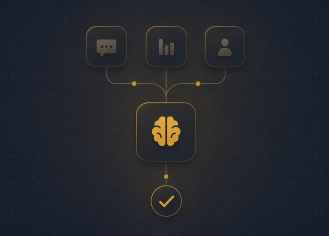
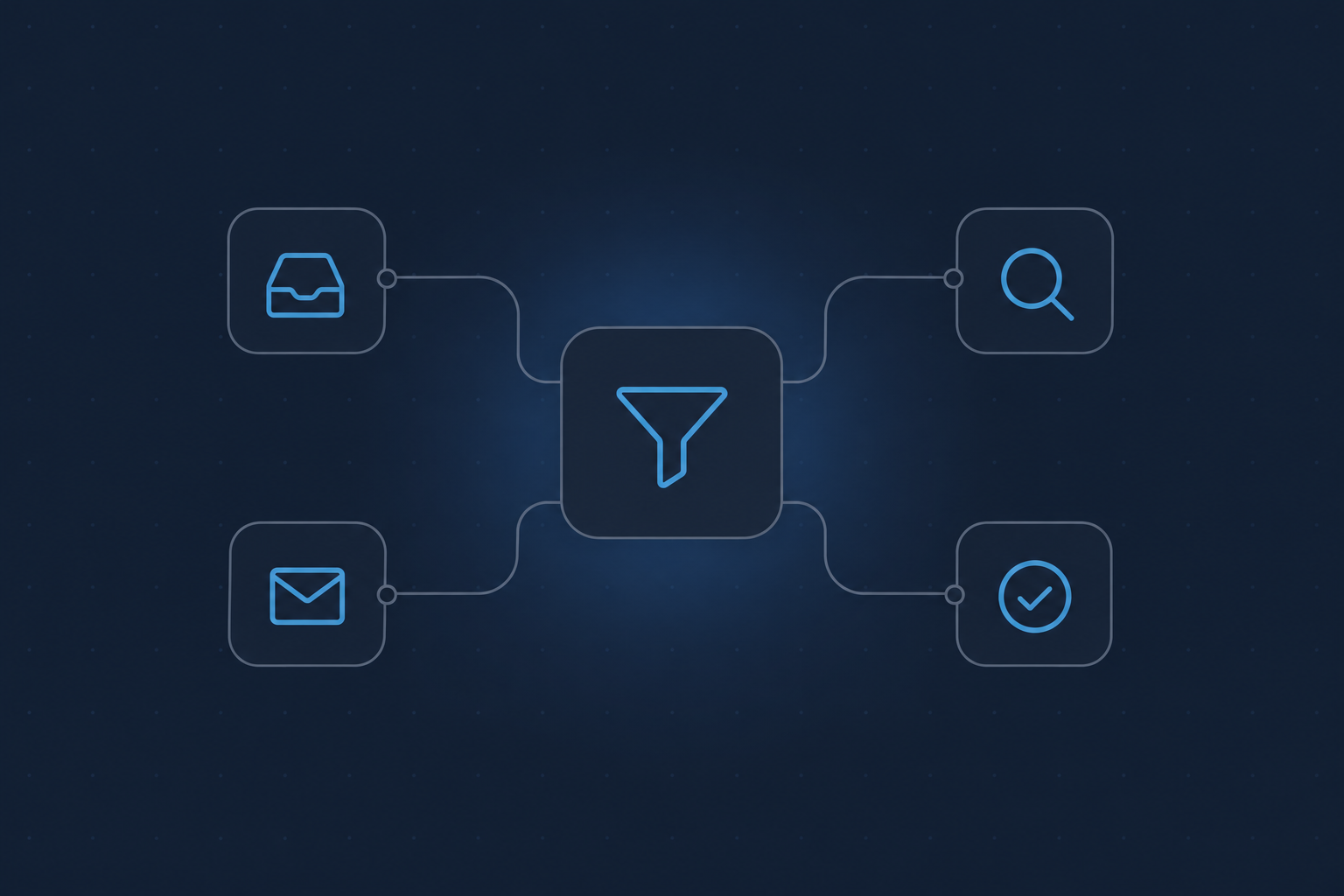
- An AI lead qualification workflow has four stages: intake, enrichment, qualification, and follow-up. Each stage hands off to the next without a person copying data.
- Approval sits where the risk sits. Prospect emails, deal stage changes, and owner changes wait for a person. Routine record upkeep does not.
- The main change is coverage. Every lead gets the same treatment, at any hour, with a logged reason for every decision.
- Weak work is held. Each output gets a quality check before it reaches your approval inbox.
- Your team keeps the CRM, the keys, and the final say. Nothing is migrated.
The problem the workflow solves
Sales teams lose leads in the gaps between steps. The form submission sits in an inbox. The enrichment waits until a rep has a spare hour. The follow-up goes out after the buyer has lost interest.
Speed matters more than most teams expect. In a study of about 1.25 million leads, researchers James Oldroyd, Kristina McElheran and David Elkington found that firms that contacted a lead within an hour were nearly seven times as likely to have a meaningful conversation with a decision maker as firms that waited even one more hour. They were more than 60 times as likely as firms that waited 24 hours or longer, according to Harvard Business Review.
The same research audited 2,241 US companies. Among them, 24 percent took more than a day to respond and 23 percent never responded at all. The study is from 2011, so treat the exact ratios as a directional benchmark, not a forecast for your pipeline. The lesson still holds: the first hour is where coverage is won.
The setup: our own revenue department
Harnyss runs its own revenue work on its own platform. The Revenue department covers lead intake and qualification, enrichment, personalized follow-up that goes out after approval, CRM upkeep, and sales call analysis. It works in existing accounts, so nothing is migrated. HubSpot is built in, and other CRMs connect through API or MCP.
Reporting Hub, a company that runs on Harnyss, uses the same department for lead intake, enrichment, qualification, and call summaries. Harnyss uses it for its own CRM enrichment and personalized email.
Each agent has a job title, such as Outreach Agent, and runs in one of three autonomy modes: Requires approval, Notify only, or Autonomous. For a revenue team, the default is simple. Anything that touches a prospect needs approval first.
Following one lead through the AI lead qualification workflow
The walkthrough below is illustrative. The lead is a composite, not a named customer. The stages and approval points match how the Revenue department is built.
Stage 1: intake
A lead arrives by web form, email, or an event list. The intake agent reads it, creates or updates the record in the CRM, and checks for duplicates. No one copies anything.
What the VP Sales sees: a new record, tagged with its source, with no hand-keyed fields. If the data is unclear, the record is flagged instead of guessed at.
Stage 2: enrichment
The enrichment step adds company and role context to the record. That usually means company size, industry, the contact's role, and any public signals that help a seller prepare. It works through the tools your team already uses, such as HubSpot and LinkedIn.
What the VP Sales sees: a record that is ready to read. A rep opens it and finds the context in place. No one spent twenty minutes searching for it.
Stage 3: qualification
The qualification step checks the enriched record against your criteria. Your team sets those criteria when the workflow is built, and the agent applies them the same way to every lead. It writes down why a lead is a fit, a maybe, or not a fit.
What the VP Sales sees: a short, logged reason with each decision. You can disagree with a call, change the rule, and see the change apply to the next lead. Deal stage changes and owner changes go to a person, and so does any action outside your routing rules.
Stage 4: personalized follow-up, after approval
For qualified leads, the Outreach Agent drafts a follow-up email. It uses the enriched record, your brand voice, and your examples. The draft then goes to the approver's inbox. Nothing is sent until a person approves it.
What the VP Sales sees: a draft, the quality score for it, and the record behind it. The approver edits, approves, or rejects. Work that fails the quality check is held before it reaches the inbox.
Where human approval sits
Approval is not a single gate at the end. It is placed by risk.
This is the line between automation and a managed department. Rule-based tools follow the rules you write. When a lead does not fit any rule, they stall or misfire. Harnyss handles the exceptions and asks when it should. Over time, as the approver sees consistent quality, a team can move low-risk steps from Requires approval to Notify only. High-stakes work stays gated.
Every run is logged: which agent, what action, when, and what it cost. That log is what lets a VP Sales give up the manual check with confidence.
What changes in response time and coverage
Here is what we can say, and what we cannot.
Response time. The first three stages run as soon as a lead arrives, at any hour. The only wait left is the approver. The workflow shortens the path to the approver's inbox. The time to send then depends on how quickly your team clears approvals. This is why the engagement names a daily approver in the Launch phase.
Coverage. Every lead gets intake, enrichment, and a qualification decision. A lead no longer waits for a rep with spare time. Smaller leads, after-hours leads, and event lists get the same treatment as the lead a rep happened to open first.
Numbers. We are not publishing response-time or conversion percentages in this article. The Launch phase records a performance baseline for each client, and that baseline is what any result should be measured against. If you want the figures we can share, confirm with the Harnyss team.
How to start without rebuilding your sales stack
A revenue workflow works best when it starts narrow.
- Pick one repeated process. Lead intake and follow-up is a common start.
- Check readiness. You need repeated weekly work that takes at least one person's time, systems the agents can reach, a senior sponsor, and an approver for the first weeks.
- Record the baseline. Measure first-response time and the share of leads that get a full follow-up today.
- Run with approvals on. Approve every prospect email until output meets your standard.
- Review monthly. Compare against the baseline and adjust the criteria.
Every engagement starts with a 30-minute call and a fixed-price, 30-day Assessment that puts one workflow live. On the managed path, Harnyss operators run the department every day while your team sets direction and approves key items. On the keys path, we build and run the system, then your owner takes it over. You own the workspace, agents, workflows, and keys on every path. You can read more about how the platform works and the security model.
FAQs
Will the AI send emails to prospects without my team?
Only if you allow it. Approval is set per agent. For prospect emails, we recommend Requires approval at launch. Work that fails the quality check is held at every level.
Does this replace my SDRs?
No. It takes the admin work: record entry, research, and first drafts. Your sellers keep the conversations, the judgment calls, and the relationships.
Do we have to move off our CRM?
No. Agents work in your existing accounts. HubSpot is built in, and other CRMs connect through API or MCP.
What happens to a lead that does not fit the rules?
It goes to a person. The agent does not guess on actions outside routing rules, and it logs why it stopped.
Whose keys does it run on?
Yours. All runs use your own AI provider keys, and cost is tracked per step.
Next step
If lead response is where your pipeline leaks, start with one workflow and one approver. Book an assessment → for a 30-minute call. Bring one time-consuming process, and we will show you how the Revenue department would run it. You can also read about working with us or compare the options.
Sources
- Harvard Business Review — The Short Life of Online Sales Leads (2011)
- Harnyss — Revenue department (2026)
- Harnyss — Work with us (2026)
- Harnyss — Platform (2026)